
New USB Flash Drive Available from AlphaTheta and Sandisk® Offers the Reliability and High Performance Professional DJs Need
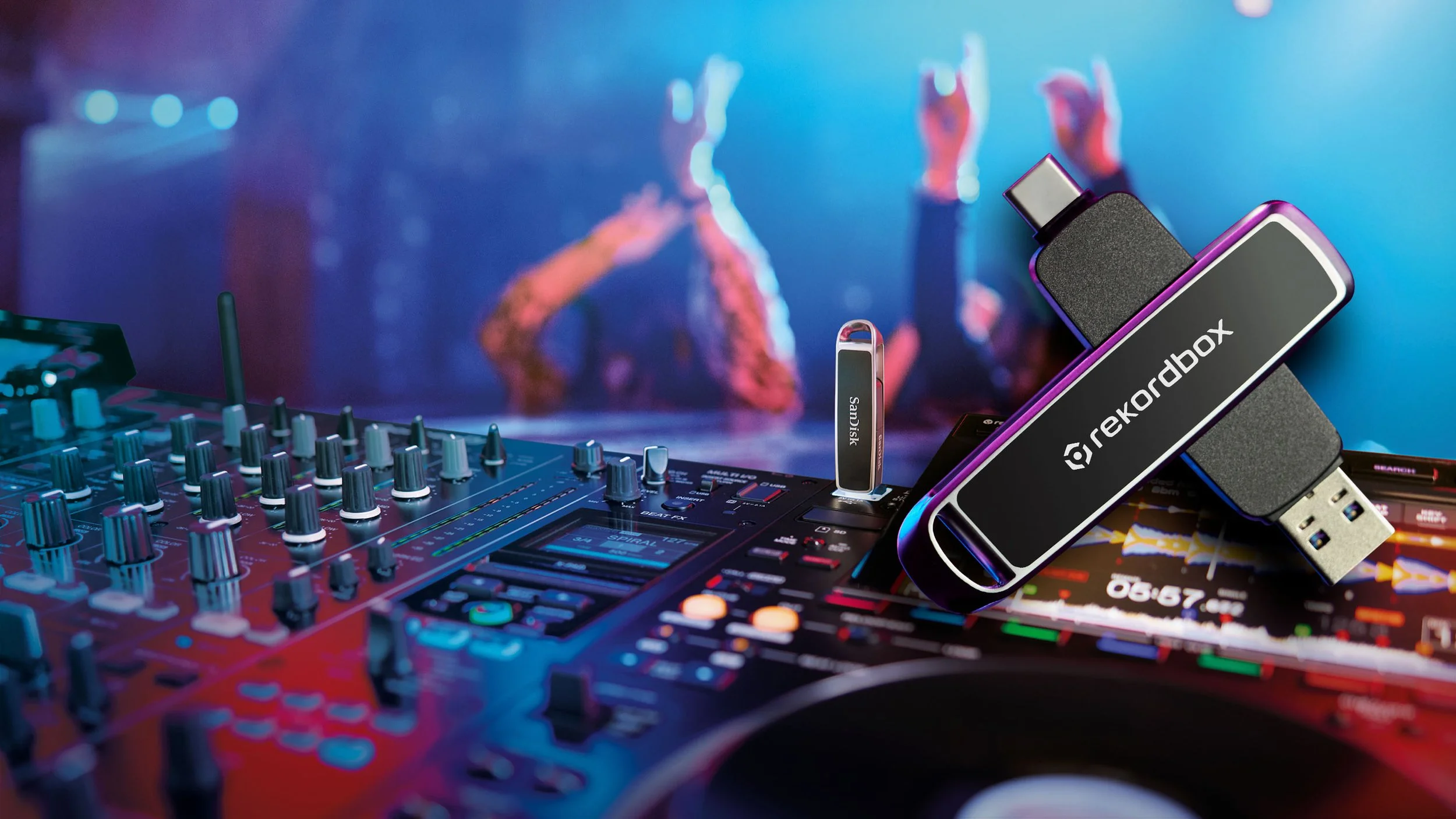
AlphaTheta today announced it has teamed up with Sandisk® to launch the highly reliable and high-performance Sandisk® DJ Flash Drive, created with on-the-go DJs in mind. From beginners to professional performers, DJs around the world depend on Pioneer DJ and AlphaTheta products to perform on stage, while Sandisk is known for its legacy of reliable, high-performance digital storage solutions. Together, the companies are addressing demanding professional DJ workflows, and the frequent need to transfer and access large music collections through powerful, durable, and reliable storage solutions.
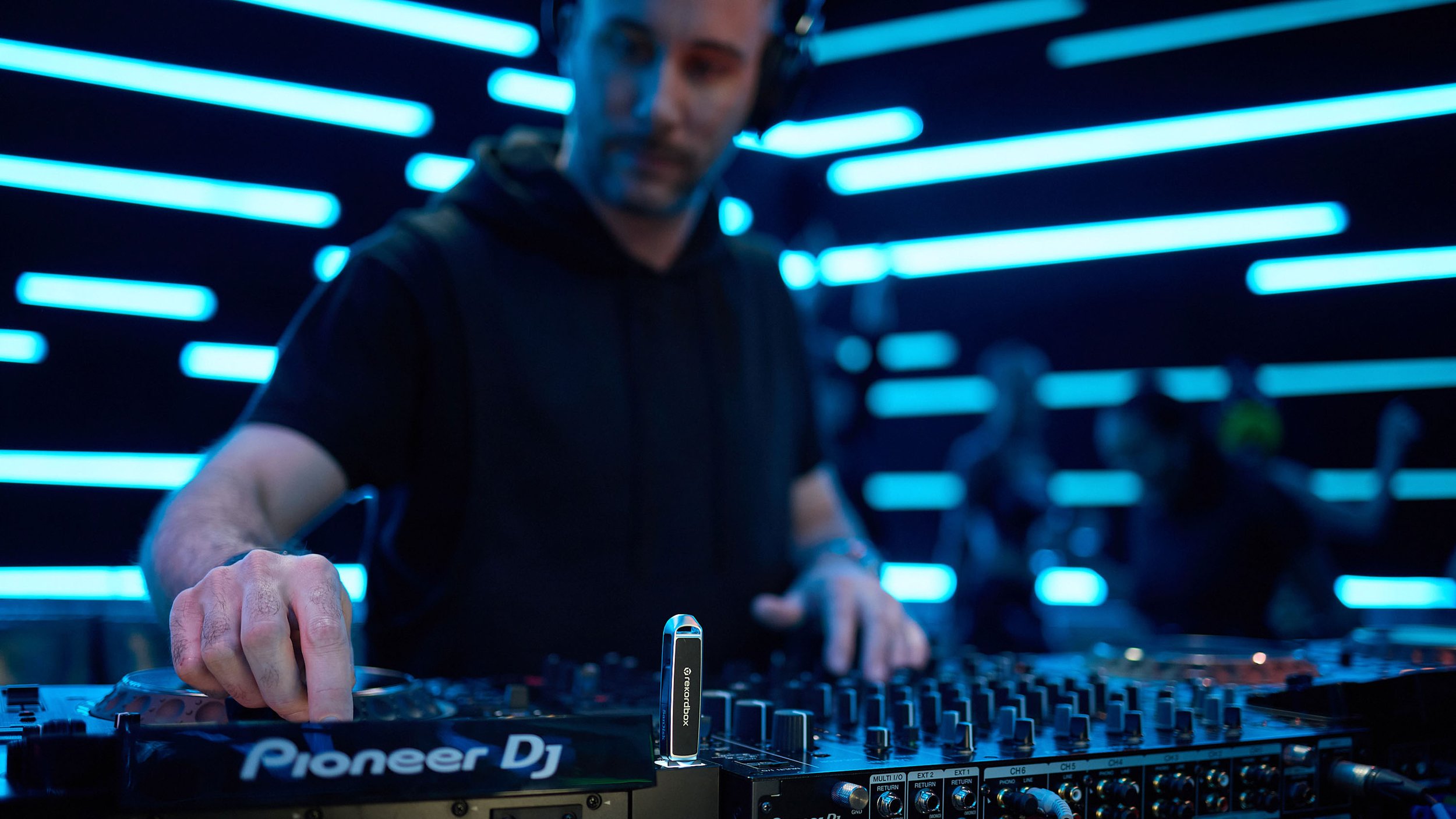
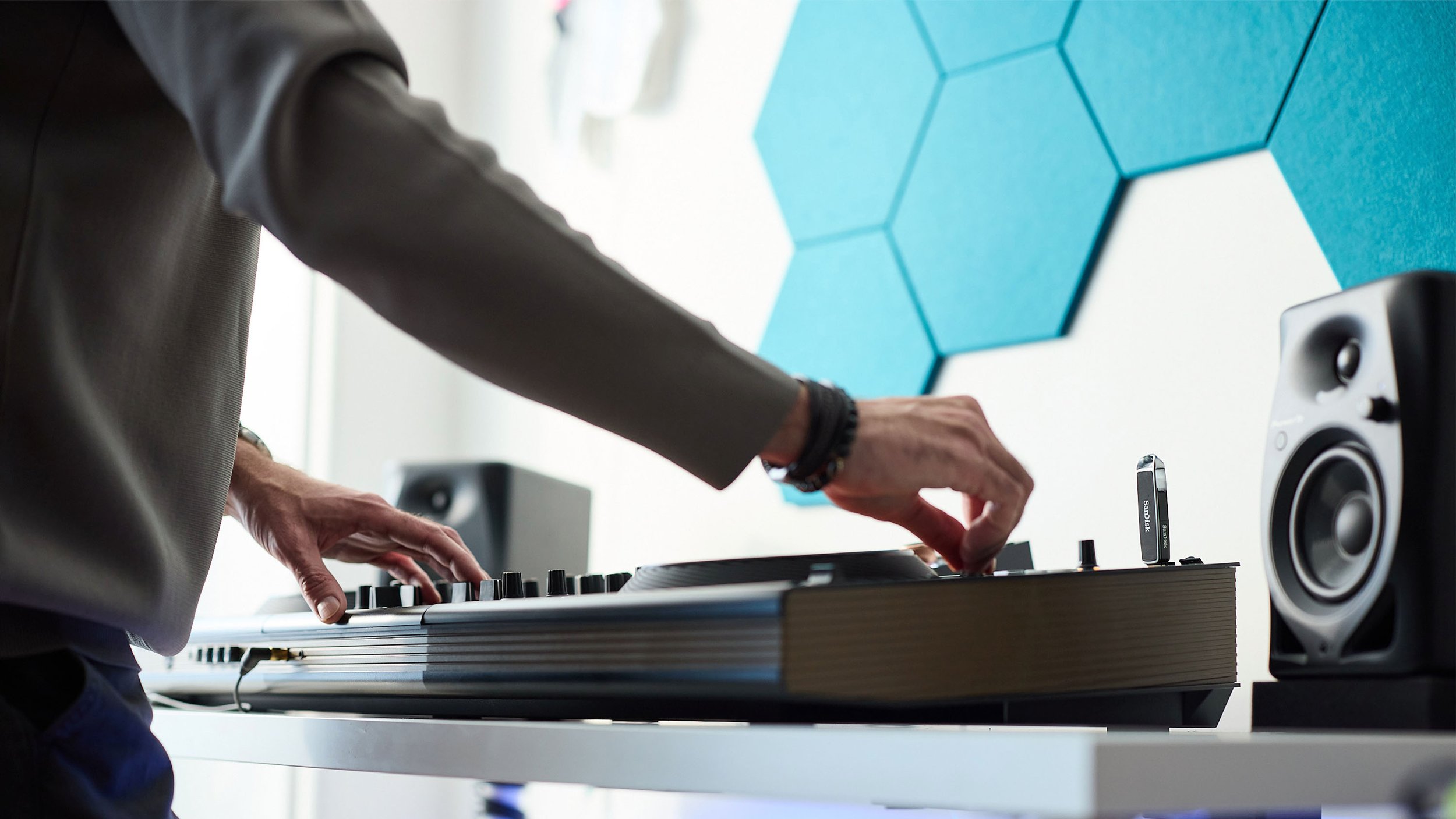
Compatibility tested and optimized for Pioneer DJ and AlphaTheta hardware, and rekordbox software, the Sandisk® DJ Flash Drive gives users flexibility and confidence when creating, storing, and transferring their sets. Formatted with FAT32 for easy-use right out of the box, it’s a great solution for on-the-go DJs, producers, engineers, and other music professionals who need a dependable storage solution for their content.
“This collaboration with Sandisk reaffirms our dedication to providing high-quality and user-friendly products for the DJ community,” said Yoshinori Kataoka, CEO, AlphaTheta Corporation. “We’re excited to offer a USB that works seamlessly with our DJ gear and software so that artists never have to choose between speed, quality, or flexibility.”
From the studio to center stage, and everywhere in between, the Sandisk® DJ Flash Drive’s sturdy, yet flexible, compact metal design gives music professionals reliable high-performance read and write speeds that can operate within different environments, like a crowded club or outdoor festival. Featuring speeds of up to 1000MB/s*2 read and 900MB/s*2 write, the dual connector device allows DJs to transfer sets from their computer to a Sandisk® DJ Flash Drive quickly and confidently. With both USB Type-C™ and USB Type-A connectors, DJs will have confidence they can connect to their favorite DJ gear without stress and work closely with their peers without device compatibility concerns. The product comes with a free 3-month trial to rekordbox’s DJ Creative Plan4, enabling DJs to access Vocal position analysis/display, RMX effects, exporting songs from Edit mode, and video playback.

PRODUCT OVERVIEW
Product name: Sandisk DJ Flash Drive
Model number: SDDDE1-512G-GR46: 512GB1 Sandisk® DJ Flash Drive
Product name: Sandisk DJ Flash Drive
Model number: SDDDE1-1T00-GR46: 1TB1 Sandisk® DJ Flash Drive
KEY FEATURES
Incredible Speed: Transfer files with up to 1,000MB/s*2 read and 900MB/s*2 write speeds.
Storage Capacity: With up to 1TB*1 capacity, store songs, mixes, and essential files.
Device Flexibility: Equipped with both USB Type-C™ and USB Type-A connectors, the drive is compatible across the gear DJs rely on, and its small form-factor makes it easy to travel with.
Included rekordbox™ Software: Artists can streamline their DJ workflow with three free months of rekordbox™ Creative Plan included with the purchase.*4
Easily manage files: Artists can enable automatic backup, keep their files organized, and retrieve content on AndroidTM and the iOS Files App with the Sandisk® app.*5
*1. 1GB=1,000,000,000 bytes. 1TB=1,000,000,000,000 bytes. Actual user storage capacity less.
*2. Based upon read speed, unless otherwise stated. 1MB/s = 1 million bytes per second. Based on internal testing; performance may vary depending upon host device, usage conditions, drive capacity, and other factors. USB 3.0 port required.
*3. For compatibility, see www.sandisk.com/compatibility-DJs. To use this Sandisk USB drive with the DJM-A9 and DJM-V10, please update the mixers to the latest firmware available on the support page at pioneerdj.com
*4. Internet connection and new rekordbox account required. Offer limited to 1 download per product purchase. Offer must be redeemed by 12/31/2026. Not available in all countries. See https://rekordbox.com/offercode/ for full details.
*5. Download and installation required. Set up automatic backup within app settings. See official SanDisk website for mobile app details.